
PRODUCT TOUR
See a Command Center at work.
Explore three sample workspaces. Each screen answers a question a business owner, sales manager or operations lead can act on today.
EXECUTIVE OVERVIEW
What needs my attention today?
See weekly revenue, active work and red alerts together. Choose the exception that needs a decision before the team starts its day.
A Monday leadership huddle
Compare weekly revenue with the trend, then check the red alerts. Assign the first conversation of the day to the person who can resolve it.
Open full-size screen ↗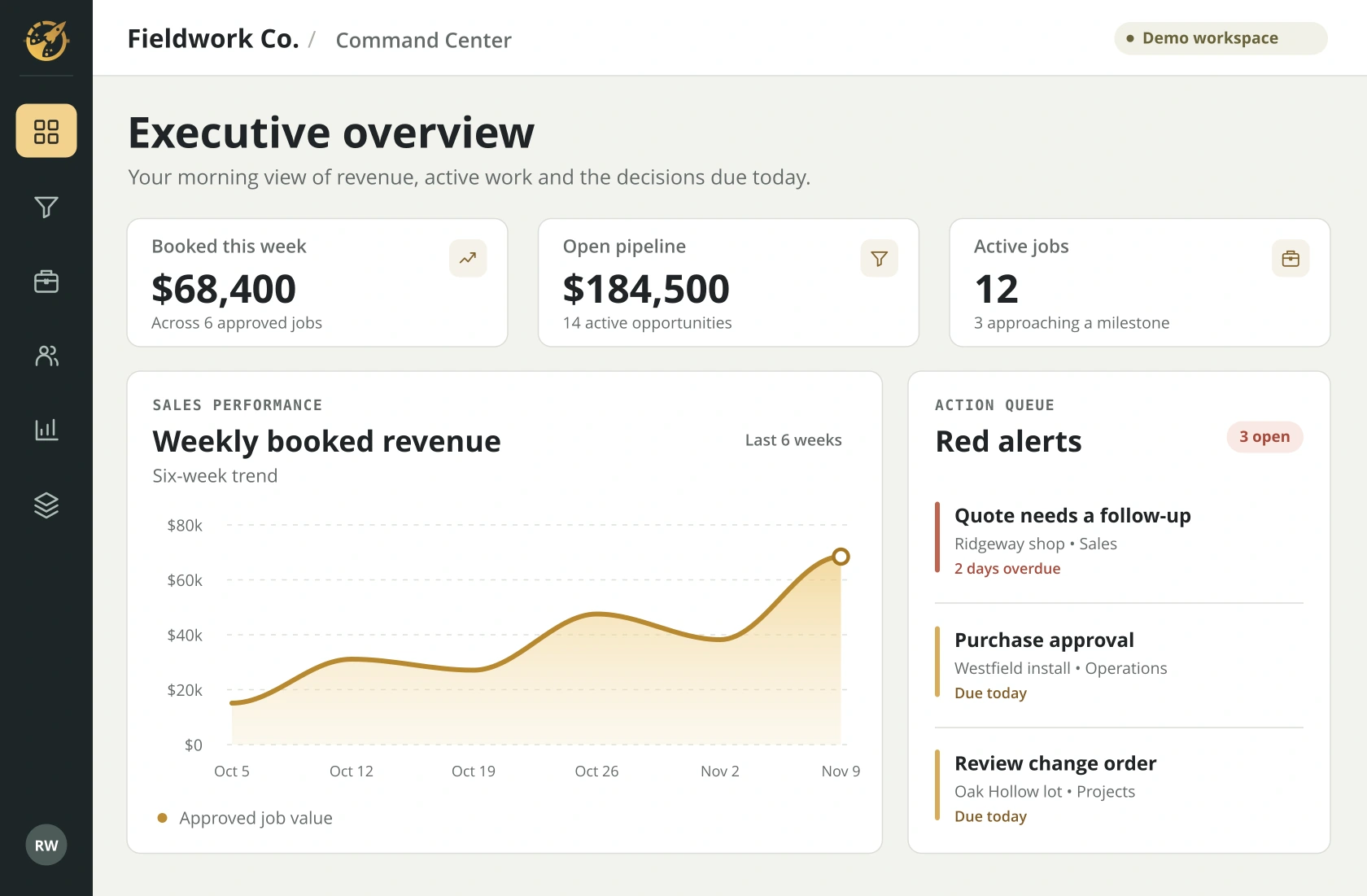
SALES FOLLOW-UP
Which estimate needs a call?
Give the sales lead one queue with a next action, an owner and a due date. A quote that went quiet has a clear place in the morning call list.
A sales meeting
Find the estimate waiting for a reply. See the owner and due date so the next call happens while the opportunity is still open.
Open full-size screen ↗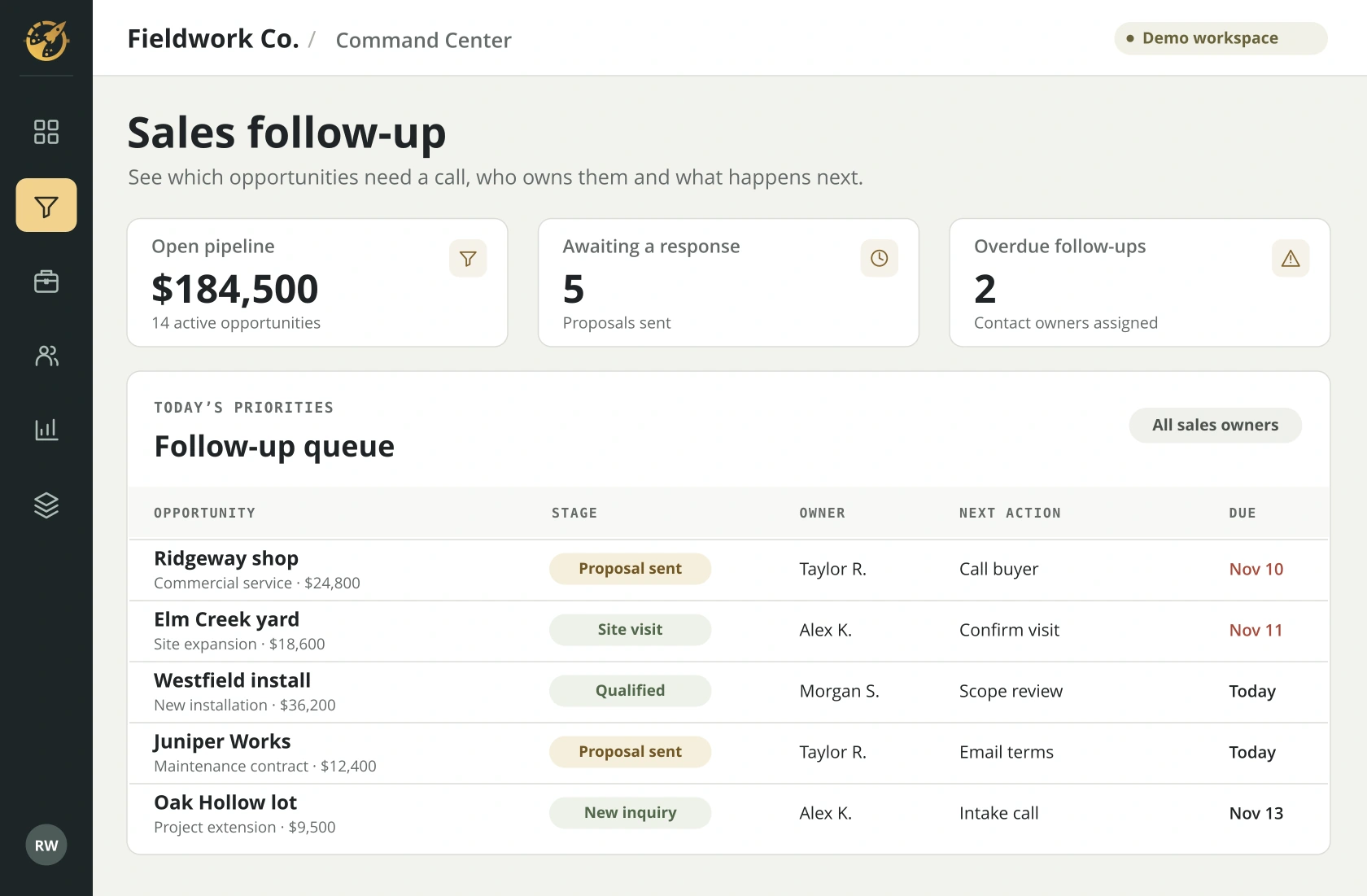
JOB PROGRESS
Which job could miss its next milestone?
Review active jobs, scheduled milestones and the next handoff. A crew lead can spot a missing approval before it holds up the schedule.
A production meeting
Review milestone dates across active jobs. If an approval is late, the project lead can flag the handoff before another crew depends on it.
Open full-size screen ↗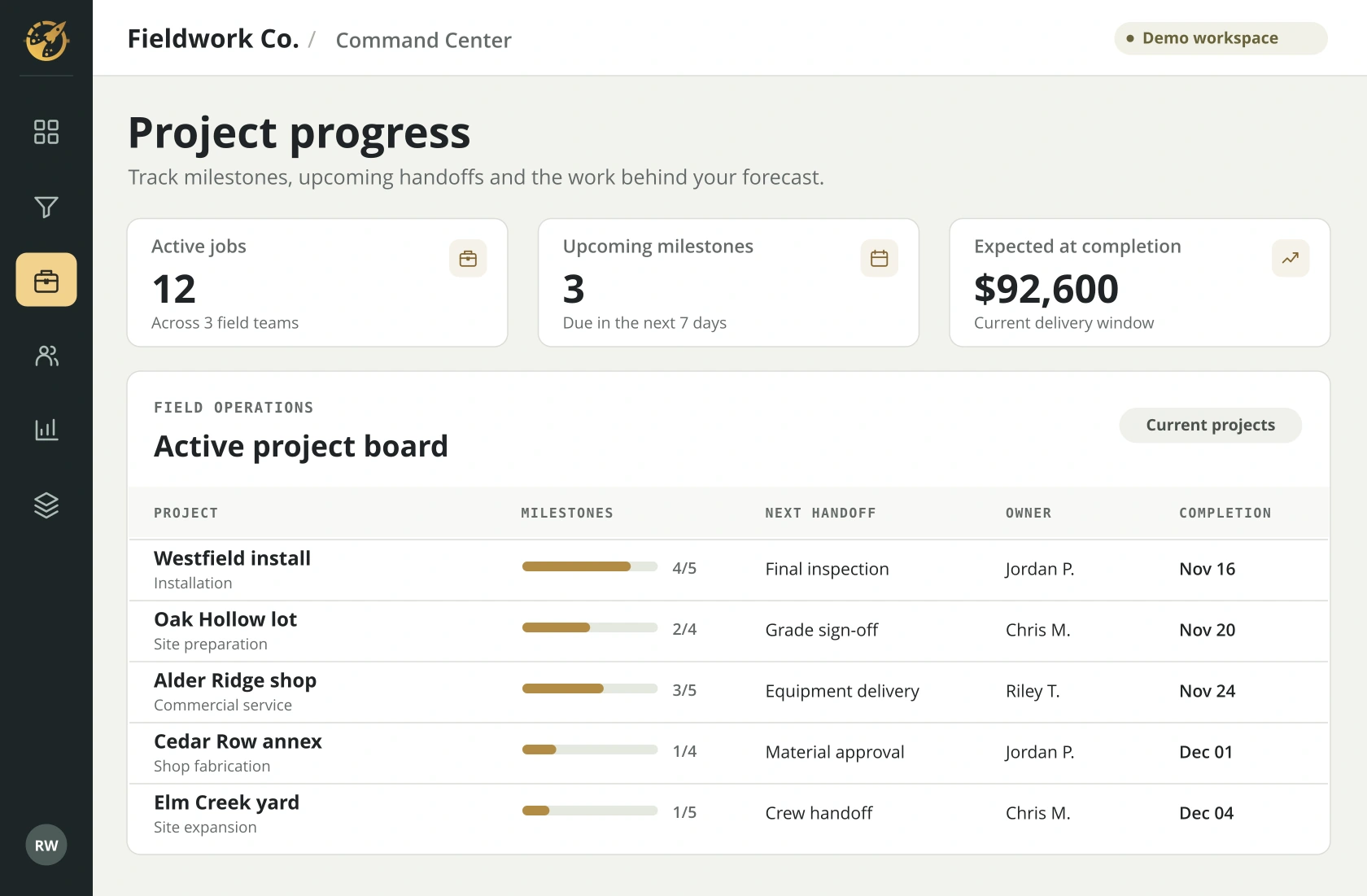
YOUR WALKTHROUGH
Which number do you chase every week?
Bring that question and the tools your team uses. We’ll show you what the answer could look like in your own Command Center.